SOAP API
Asendia Integration
Custom Asendia shipping integration using C# and .NET for carrier service mapping, shipment processing, multi-package handling, shipping labels, tracking and integration with existing business systems.

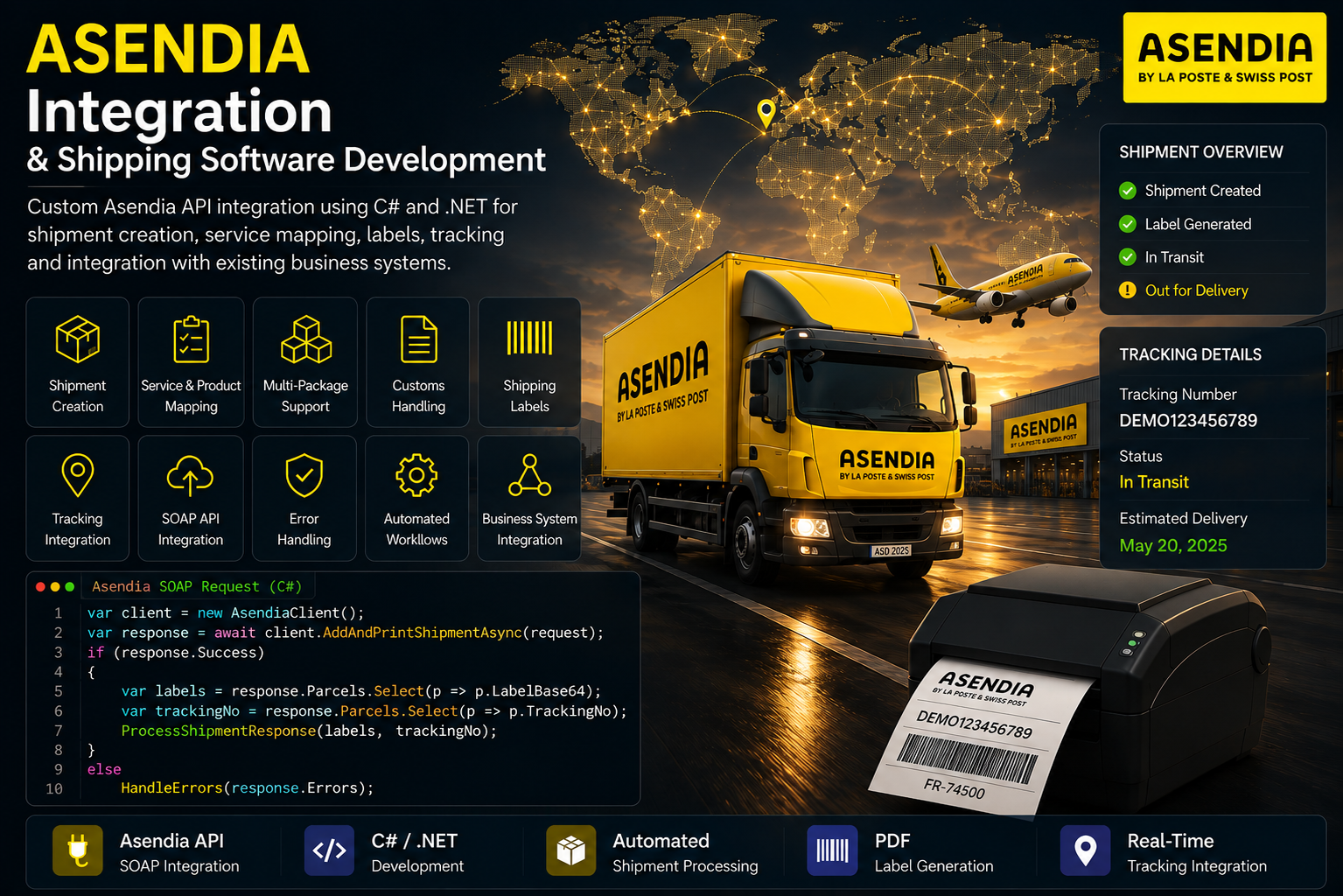
Custom Asendia shipping integration using C# and .NET for shipment processing, service and product mapping, multi-package handling, customs information, shipping labels, tracking and integration with existing business systems. The integration authenticates with the Asendia service, maps configured shipping categories and subcategories to carrier-specific product and service attributes, builds sender, receiver and parcel information, optionally prepares customs order lines, constructs the Asendia SOAP request and processes the returned shipment response. The integration is designed to work within a broader multi-carrier shipping platform, allowing the common business shipment model to remain separate from the carrier-specific Asendia implementation.
<soap:Envelope
    xmlns:soap="http://schemas.xmlsoap.org/soap/envelope/"
    xmlns:h="http://centiro.com/facade/shared/1/0/datacontract">

  <soap:Header>

    <h:AuthenticationTicket>[DEMO AUTHENTICATION TICKET]</h:AuthenticationTicket>

    <h:MessageId>00000000-0000-0000-0000-000000000001</h:MessageId>

  </soap:Header>

  <soap:Body>

    <AddAndPrintShipmentRequest
        xmlns="http://centiro.com/facade/tmsBasic/1/0/servicecontract">

      <LabelType>PDF</LabelType>

      <Shipment
          xmlns:a="http://schemas.datacontract.org/2004/07/Centiro.Facade.TMSBasic.Contract.c1.i1.TMSBasic.BaseTypes.DTO">

        <a:Addresses>

          <a:Address>

            <a:Address1>Example Sender Street 10</a:Address1>
            <a:Address2></a:Address2>
            <a:AddressType>Sender</a:AddressType>

            <a:CellPhone>+49-000-000000</a:CellPhone>

            <a:City>Example City</a:City>

            <a:Contact>Example Sender</a:Contact>

            <a:Email></a:Email>

            <a:ISOCountry>DE</a:ISOCountry>

            <a:Name>Example Sender</a:Name>

            <a:Phone>+49-000-000000</a:Phone>

            <a:ZipCode>12345</a:ZipCode>

          </a:Address>


          <a:Address>

            <a:Address1>Example Receiver Street 20</a:Address1>
            <a:Address2></a:Address2>
            <a:AddressType>Receiver</a:AddressType>

            <a:CellPhone>+33-000-000000</a:CellPhone>

            <a:City>Example Receiver City</a:City>

            <a:Contact>Example Receiver</a:Contact>

            <a:Email></a:Email>

            <a:ISOCountry>FR</a:ISOCountry>

            <a:Name>Example Receiver</a:Name>

            <a:Phone>+33-000-000000</a:Phone>

            <a:ZipCode>00000</a:ZipCode>

          </a:Address>

        </a:Addresses>


        <a:Attributes>

          <a:Attribute>
            <a:Code>OriginSub</a:Code>
            <a:Value>DE</a:Value>
          </a:Attribute>

          <a:Attribute>
            <a:Code>CRMID</a:Code>
            <a:Value>DEMO-CRM-001</a:Value>
          </a:Attribute>

          <a:Attribute>
            <a:Code>Product</a:Code>
            <a:Value>DEMO-PRODUCT</a:Value>
          </a:Attribute>

          <a:Attribute>
            <a:Code>AdditionalService</a:Code>
            <a:Value>DEMO-SERVICE</a:Value>
          </a:Attribute>

          <a:Attribute>
            <a:Code>Service</a:Code>
            <a:Value>DEMO</a:Value>
          </a:Attribute>

          <a:Attribute>
            <a:Code>Format</a:Code>
            <a:Value>N</a:Value>
          </a:Attribute>

        </a:Attributes>


        <a:CashOnDeliveryAmount>0</a:CashOnDeliveryAmount>

        <a:CreateReturnShipment>false</a:CreateReturnShipment>

        <a:Currency>EUR</a:Currency>

        <a:FreightCost>0</a:FreightCost>

        <a:FreightCurrency>EUR</a:FreightCurrency>

        <a:FreightPrice>0</a:FreightPrice>

        <a:InsuranceAmount>0</a:InsuranceAmount>

        <a:LoadingMeasure>0</a:LoadingMeasure>

        <a:ModeOfTransport>ACSS</a:ModeOfTransport>

        <a:NumberOfEURPallets>0</a:NumberOfEURPallets>

        <a:OrderNumber>DEMO-ORDER-001</a:OrderNumber>


        <a:Parcels>

          <a:Parcel>

            <a:Height>0.18</a:Height>

            <a:Length>0.38</a:Length>

            <a:LoadingMeasure>0</a:LoadingMeasure>

            <a:NetWeight>0</a:NetWeight>

            <a:ParcelIdentifier>DEMO-PARCEL-001</a:ParcelIdentifier>

            <a:Value>0</a:Value>

            <a:Volume>0</a:Volume>

            <a:Weight>3.90</a:Weight>

            <a:Width>0.28</a:Width>

          </a:Parcel>

        </a:Parcels>


        <a:Reference>DEMO-REFERENCE-001</a:Reference>

        <a:SenderCode>DEMO-SENDER-001</a:SenderCode>

        <a:ShipDate>2026-01-15T10:00:00+01:00</a:ShipDate>

        <a:ShipmentIdentifier>DEMO-SHIPMENT-001</a:ShipmentIdentifier>

        <a:ShipmentType>OUTB</a:ShipmentType>

        <a:Value>0</a:Value>

        <a:Volume>0</a:Volume>

        <a:Weight>3.90</a:Weight>

      </Shipment>

    </AddAndPrintShipmentRequest>

  </soap:Body>

</soap:Envelope><soap:Envelope
xmlns:soap="http://schemas.xmlsoap.org/soap/envelope/">
<soap:Header>
<h:Success
xmlns:h="http://centiro.com/facade/shared/1/0/datacontract">
true
</h:Success>
</soap:Header>
<soap:Body>
<AddAndPrintShipmentResponse
xmlns:a="http://schemas.datacontract.org/2004/07/Centiro.Facade.TMSBasic.Contract.c1.i1.TMSBasic.BaseTypes.DTO"
xmlns="http://centiro.com/facade/tmsBasic/1/0/servicecontract">
<ParcelDocuments>
<a:ParcelDocument>
<a:Content>
[DEMO BASE64 PDF LABEL DATA]
</a:Content>
</a:ParcelDocument>
</ParcelDocuments>
</AddAndPrintShipmentResponse>
</soap:Body>
</soap:Envelope>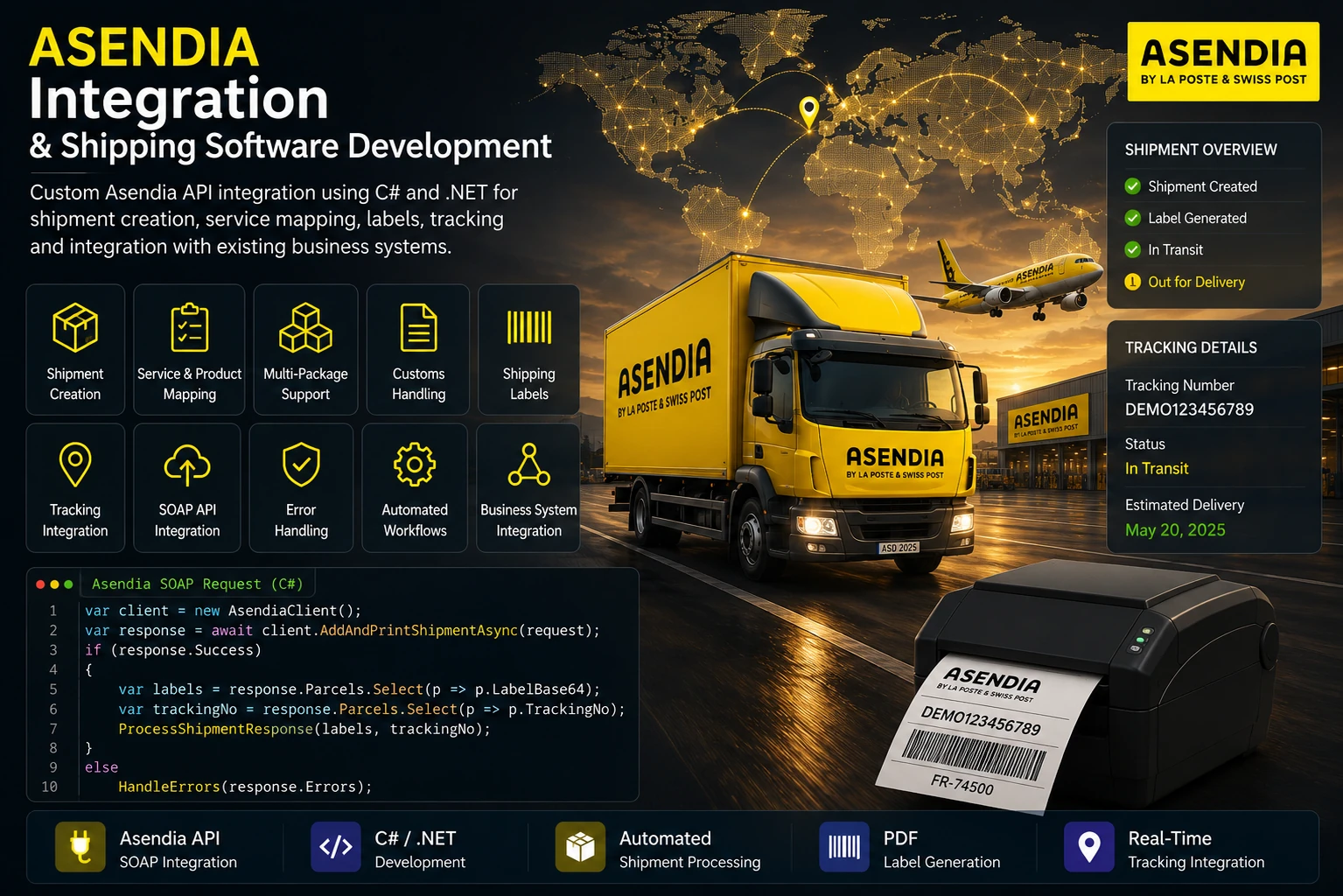
Horizon Softwares develops custom Asendia shipping integrations using C# and .NET for applications that need automated shipment processing, carrier service mapping, multi-package handling, customs information, shipping labels and tracking. The integration can be connected to existing ERP, order management and logistics applications as part of a broader multi-carrier shipping platform.
The Asendia integration is implemented as a carrier-specific C# / .NET workflow within the shipping application.
The workflow starts by authenticating with Asendia, mapping the configured product and service, calculating parcel requirements and creating sender, receiver and parcel structures.
For applicable shipments, customs order lines are created before the shipment is serialized into the Asendia SOAP structure. The response is then validated and parsed to extract labels and tracking information.
Implementation flow:
Authenticate → map product/service → build parcels and addresses → process customs → build SOAP request → submit → parse response → process labels and tracking.
Custom Asendia integration using C# and .NET with authentication, carrier service mapping, multi-package processing, customs order lines, SOAP shipment creation, PDF label processing, tracking extraction and carrier response handling.
The shipment workflow first creates an Asendia authentication request and sends it through the Asendia client.
The returned authentication response is parsed to extract the authentication ticket. That ticket is subsequently inserted into the SOAP header of the shipment request.
Authentication flow:
Build authentication request → authenticate → extract authentication ticket → include ticket in shipment SOAP header.
Custom Asendia integration using C# and .NET with authentication, carrier service mapping, multi-package processing, customs order lines, SOAP shipment creation, PDF label processing, tracking extraction and carrier response handling.
The integration maps the configured shipping category and subcategory into Asendia-specific shipment attributes.
Depending on the configured category, the integration selects the appropriate Asendia product and may add additional services or format information. The carrier service attributes are then attached to the shipment before serialization.
This keeps business-facing service selection separate from the carrier-specific attribute values required by Asendia.
Custom Asendia integration using C# and .NET with authentication, carrier service mapping, multi-package processing, customs order lines, SOAP shipment creation, PDF label processing, tracking extraction and carrier response handling.
Package count is calculated from the supplied package dimensions and quantities. The integration then creates individual parcel objects for each required package.
Each parcel receives its own dimensions, weight and parcel identifier, while corresponding receiver address records are created for the shipment structure.
Package flow:
Package dimensions and quantity → calculate parcel count → create parcel objects → assign dimensions and weight → attach parcels to shipment.
Custom Asendia integration using C# and .NET with authentication, carrier service mapping, multi-package processing, customs order lines, SOAP shipment creation, PDF label processing, tracking extraction and carrier response handling.

When customs item information is supplied, the integration converts the product information into Asendia order lines.
The order lines contain shipment reference information together with quantity, product description, country of origin, harmonization code, calculated weight, unit price, currency and unit of measure.
The resulting order lines are attached to the parcel before the final shipment is serialized.
Custom Asendia integration using C# and .NET with authentication, carrier service mapping, multi-package processing, customs order lines, SOAP shipment creation, PDF label processing, tracking extraction and carrier response handling.
The completed shipment is serialized using the .NET DataContractSerializer and its namespaces are adapted to the Asendia service and DTO namespaces required by the SOAP contract.
The final SOAP envelope contains the authentication ticket, a generated message ID, the AddAndPrintShipmentRequest and the PDF label output setting.
The completed XML is then sent through the Asendia client and the raw carrier response is returned for validation and parsing.
Custom Asendia integration using C# and .NET with authentication, carrier service mapping, multi-package processing, customs order lines, SOAP shipment creation, PDF label processing, tracking extraction and carrier response handling.
After the raw response is validated, the Asendia response parser extracts the structured shipment result.
Returned parcel documents are converted into application-readable label data and tracking numbers are extracted from the parsed response.
The outer shipment workflow aggregates labels and tracking information across individual package calls and associates them with the business shipment.
Custom Asendia integration using C# and .NET with authentication, carrier service mapping, multi-package processing, customs order lines, SOAP shipment creation, PDF label processing, tracking extraction and carrier response handling.
The integration validates the raw Asendia response before attempting to process the structured shipment result.
If the raw response indicates a failure, the carrier error is returned together with the original request and response information. If structured response parsing fails, the parser errors are also returned to the calling workflow.
Technical exceptions are captured and returned as an unsuccessful shipment result.
Custom Asendia integration using C# and .NET with authentication, carrier service mapping, multi-package processing, customs order lines, SOAP shipment creation, PDF label processing, tracking extraction and carrier response handling.

Banking, Logistics, Retail, Insurance and Manufacturing.
ASP.NET Core, .NET 8, WPF, SQL Server and REST APIs.
Looking to integrate Asendia shipping capabilities into an existing application or build a custom multi-carrier shipping workflow?